
Halloween Wallpapers 2026: Spooky HD Phone & Desktop Backgrounds
Published October 12, 2026 · Updated October 12, 2026 · By EventBuzz Team
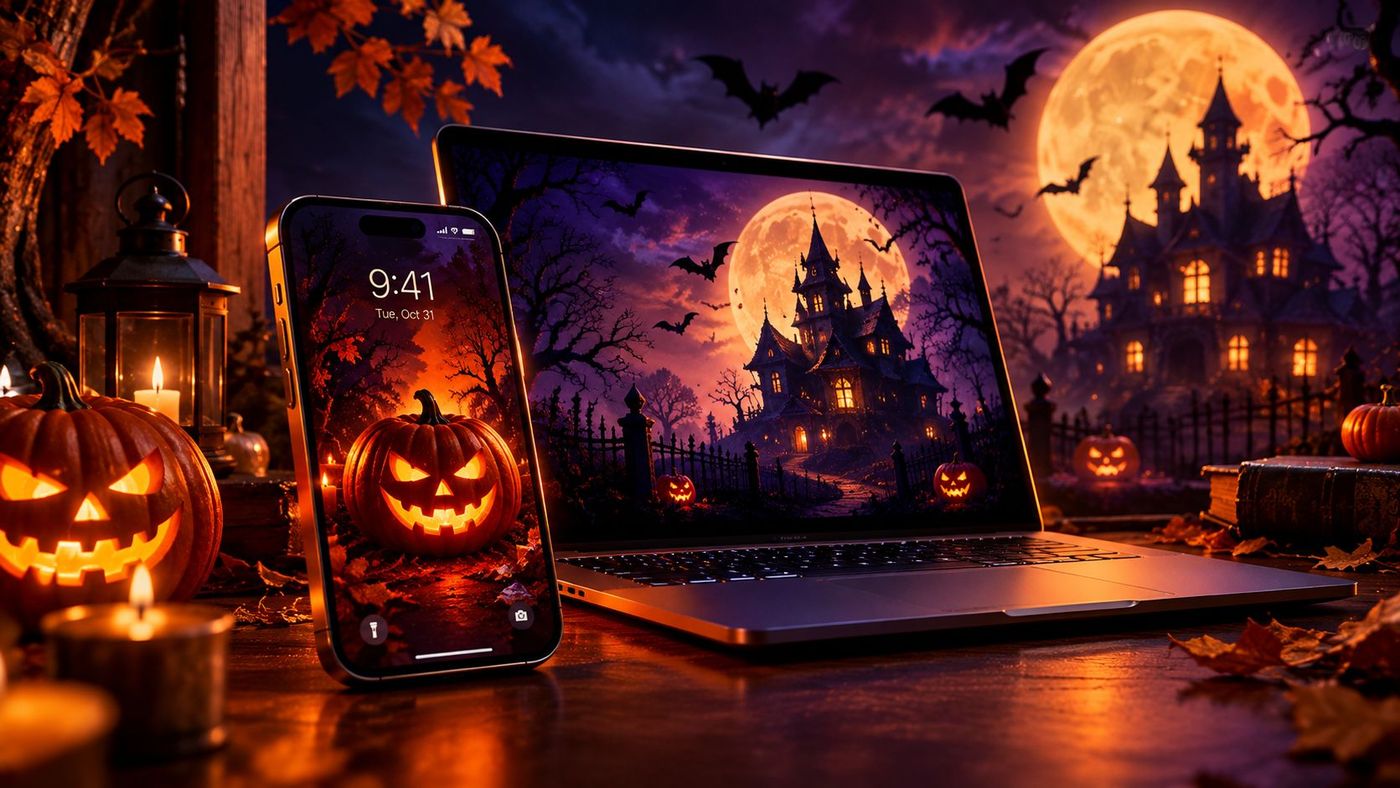
Halloween is the one week of the year when it is completely acceptable to make your phone look haunted. A spooky wallpaper is the cheapest, fastest decoration you own: it takes thirty seconds to set, you see it a hundred times a day, and it puts you in the mood for the season instantly. But not every scary picture makes a good background — the best Halloween wallpapers balance atmosphere with readability, so the clock, icons, and widgets still sit comfortably on the scene. This guide covers the spooky styles worth choosing, the right picks for phones versus desktops, and how to download and set them properly.
Spooky Wallpaper Styles Worth Choosing
Halloween wallpaper art tends to fall into a few families. Pick the family that matches your tolerance for fright — you will be looking at this all week:
- Glowing jack-o-lanterns: carved pumpkins lit from within against a dark background. The warm orange glow photographs beautifully and reads clearly even as a small phone thumbnail. The all-rounder pick.
- Haunted house silhouettes: a crooked mansion on a hill, lit windows, dead trees. Dark, dramatic, and excellent for desktops where the wide composition has room to breathe.
- Bats and a full moon: a bright moon with bat silhouettes scattered across it. Simple, high-contrast, and one of the few styles that works equally well in portrait and landscape.
- Ghostly minimal: a single ghost, a foggy path, a lone candle in the dark. Calm enough for a home screen behind app icons, still unmistakably Halloween.
- Vintage horror poster: retro fonts, aged-paper textures, classic monster art. Rich detail for desktop monitors; check that the text areas do not sit under your icons.
- Cute-spooky: smiling pumpkins, cartoon ghosts, pastel Halloween scenes. The family-friendly choice for kids' tablets and shared computers.
One design rule governs all of them: the scariest detail should sit in the lower third on phones, because the lock-screen clock claims the upper third. On desktops, keep the focal point slightly off-centre so open windows do not park on top of it.
Phone Picks vs Desktop Picks
Phones are portrait and personal. A lock screen wants one bold image — a single glowing jack-o-lantern filling the frame, flames of colour in the lower half — because the big clock and notification cards cover much of the scene. The home screen wants the opposite: darker, simpler, calmer, so app names stay readable. Use at least 1080×1920, ideally 1440×3120 or higher, in portrait orientation.
Desktops are landscape and shared with windows. Wide haunted-house panoramas, foggy forest scenes, and moonlit graveyards shine here because the 16:9 frame gives the composition room. Target 1920×1080 for standard laptops, 2560×1440 for larger monitors, and 3840×2160 for 4K displays. Leave the edges of the image calm — that is where desktop icons live — and keep the brightest glow off-centre so a browser window in the middle does not bury it.
How to Download and Set Halloween Wallpapers
Finding them: search for the style plus your resolution ("haunted house wallpaper 4K", "jack-o-lantern phone wallpaper 1440x3120"). Always open the full-size image before saving — thumbnails are for choosing, full files are for setting. Check for watermarks across the centre, and prefer sources that state the image is free for personal use.
On iPhone: save to Photos, then Settings > Wallpaper > Add New Wallpaper > Photos. Pinch to position the glow in the lower half, and use the live preview to check the clock sits on a dark patch. Assign to lock screen, home screen, or both.
On Android: long-press the home screen > Wallpaper & style > choose the saved image, adjust the crop, and apply to lock screen, home screen, or both. Android's home-screen blur option can soften a busy haunted scene behind your icons.
On Windows: right-click the desktop > Personalize > Background, browse to the image, and set the fit to Fill — never Stretch, which distorts pumpkins into ovals. A slideshow folder of Halloween scenes rotating every few minutes is a fun seasonal touch.
On Mac: System Settings > Wallpaper, add the photo, set to Fill Screen. Use 1920×1080 or larger for standard displays and 2560×1600 or larger for Retina screens.
Make Your Own Halloween Wallpaper
The most personal Halloween wallpaper is one you create. A few easy routes:
- Your own jack-o-lantern: carve a pumpkin, photograph it at night with the lights off and only the candle lit, then crop to portrait. Phone photos of real carved pumpkins make genuinely great wallpapers — no one else has yours.
- Decor close-ups: photograph your own outdoor decorations — a glowing porch, the lit yard — at dusk. The results are atmospheric and free of watermarks.
- Simple edits: free photo apps can add a moon, darken the sky, or boost the orange glow of a pumpkin photo. Keep edits subtle; overdone filters look muddy as backgrounds.
- Text overlays for lock screens: add a short "Happy Halloween" in a spooky font to the bottom of the image, where nothing important sits. Keep it off the top third so it does not fight the clock.
Photograph decorations between dusk and full dark, when the sky still holds a little blue but your lights already glow. That blue-hour window produces the richest Halloween photos with any phone.
Wallpaper Quality and Etiquette
- Match resolution to screen: a file smaller than your display looks soft and blurry. When in doubt, go bigger.
- Portrait for phones, landscape for desktops: forcing a landscape photo into a phone crops away its best parts; pick the right orientation from the start.
- Respect usage rights: wallpapers from artists and photographers are usually fine for personal screens but not for reposting as your own. A quick check of the source's terms takes seconds.
- Swap on schedule: set the spooky background the weekend before Halloween — October 31 is a Saturday this year, so the Friday and Saturday are peak nights — and switch back in early November before the orange starts feeling stale.
The best Halloween wallpaper is one you stop noticing by day three — it has become part of the season, glowing quietly behind everything else you do.
Frequently Asked Questions
What is the best Halloween wallpaper style for a phone?
A glowing jack-o-lantern or a bats-against-the-moon scene in portrait orientation, with the brightest detail in the lower half so the lock-screen clock sits on a darker area.
What resolution should a Halloween desktop wallpaper be?
1920×1080 for standard laptops, 2560×1440 for larger monitors, and 3840×2160 for 4K displays. Always match or exceed your screen resolution.
How do I set a Halloween wallpaper on my iPhone?
Save the image to Photos, open Settings > Wallpaper > Add New Wallpaper > Photos, position it in the preview, and assign it to the lock screen, home screen, or both.
Can I use any Halloween image I find online as a wallpaper?
Most images are fine for personal use on your own screen, but check the source's terms before reposting or sharing them. Prefer collections that state the images are free for personal use, and avoid watermarked centre-stamped files.
When is Halloween 2026?
Halloween 2026 is Saturday, October 31. Set your spooky wallpaper the weekend before so it is glowing by the big night.
How can I make my own Halloween wallpaper?
Photograph your own carved pumpkin at night with only its candle lit, or snap your outdoor decorations at dusk, crop to portrait, and set it. Add a small "Happy Halloween" text overlay at the bottom if you like.
Conclusion
A Halloween wallpaper is the smallest decoration with the biggest screen time. Pick a style that fits your fright level, size it to your device, keep the clock and icons in mind, and set it the weekend before October 31. Every glance at your phone becomes a tiny celebration of the season — no cobwebs required.
More Halloween help from EventBuzz:
Happy haunting — may your screens be deliciously spooky!
Halloween Party Picks
Costumes, decorations and party essentials to make your Halloween 2026 unforgettable.
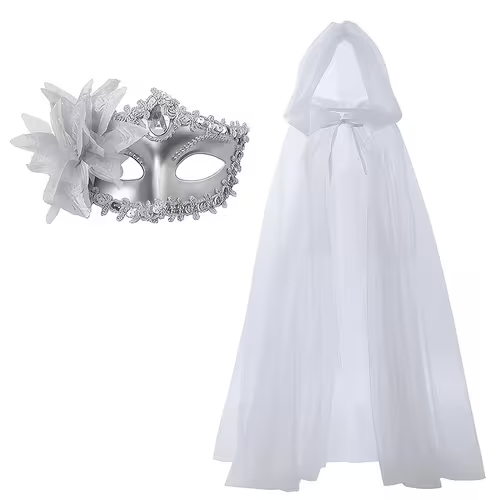
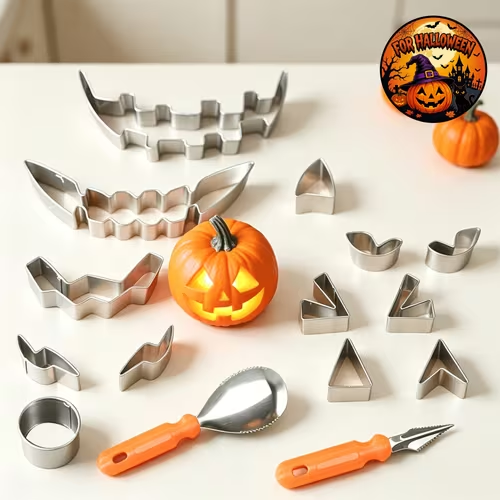
Prices shown at the time of publishing and can change. Links take you to AliExpress, where shipping and delivery details are shown.